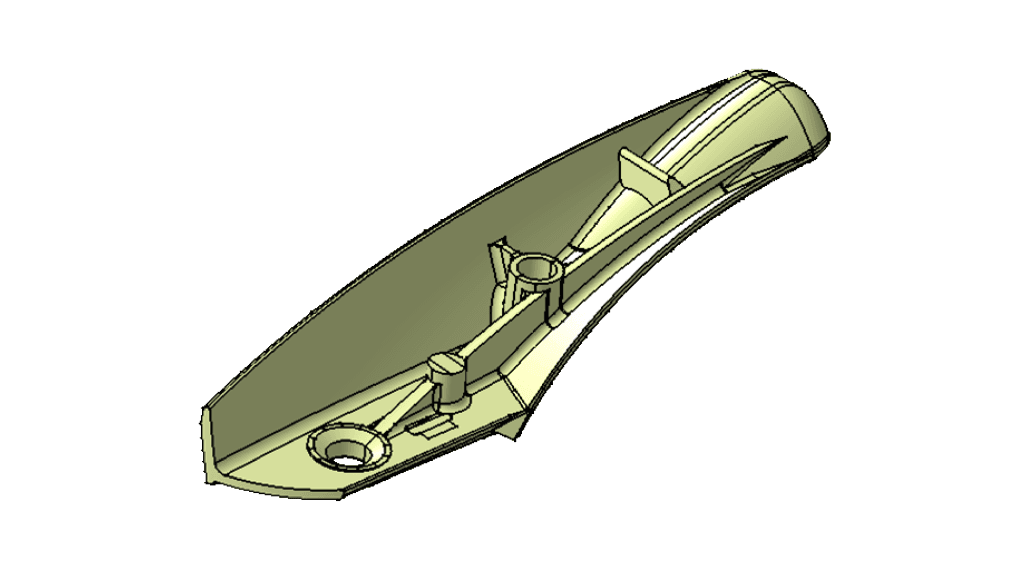
CATIA V5 Training – Surface Repair
CATIA V5 TRAINING – SURFACE REPAIR DOWNLOAD SCHEDULE COURSE OUTLINE GET A QUOTE COURSE QUICK INFO DURATION 1 Day 9:00
CATIA V5 TRAINING – SURFACE REPAIR DOWNLOAD SCHEDULE COURSE OUTLINE GET A QUOTE COURSE QUICK INFO DURATION 1 Day 9:00
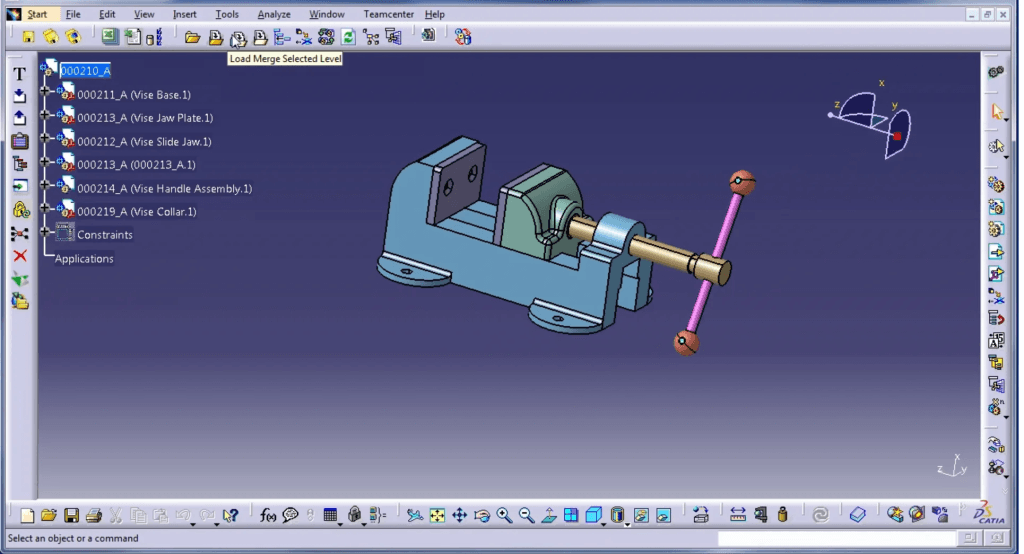
CATIA V5 Intermediate provides you the knowledge in high-end CAD modeling including the architecture of CATIA V5 Interface, 3D solid modeling, 3D solid modeling, 3D surface modeling, assemblies of parts and drafting.
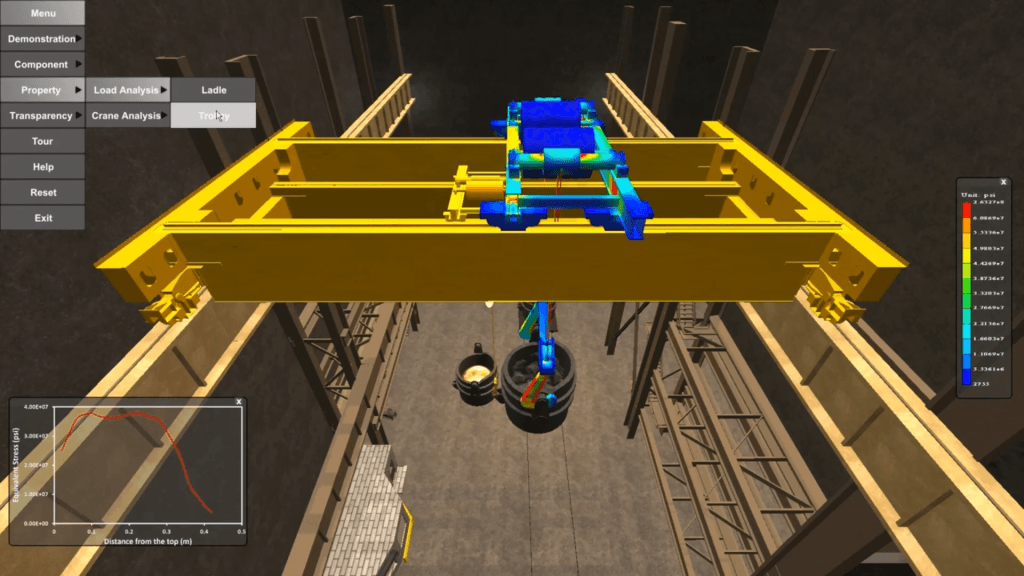
Generative Part Structural Analysis will teach you how to use advanced Finite Element Analysis pre-processing techniques and post-processing tools, including the concept of defining virtual parts to avoid excessive geometric modeling. You will learn how to perform frequency analysis on a single part and how to use adaptive meshing to achieve predefined accuracy.
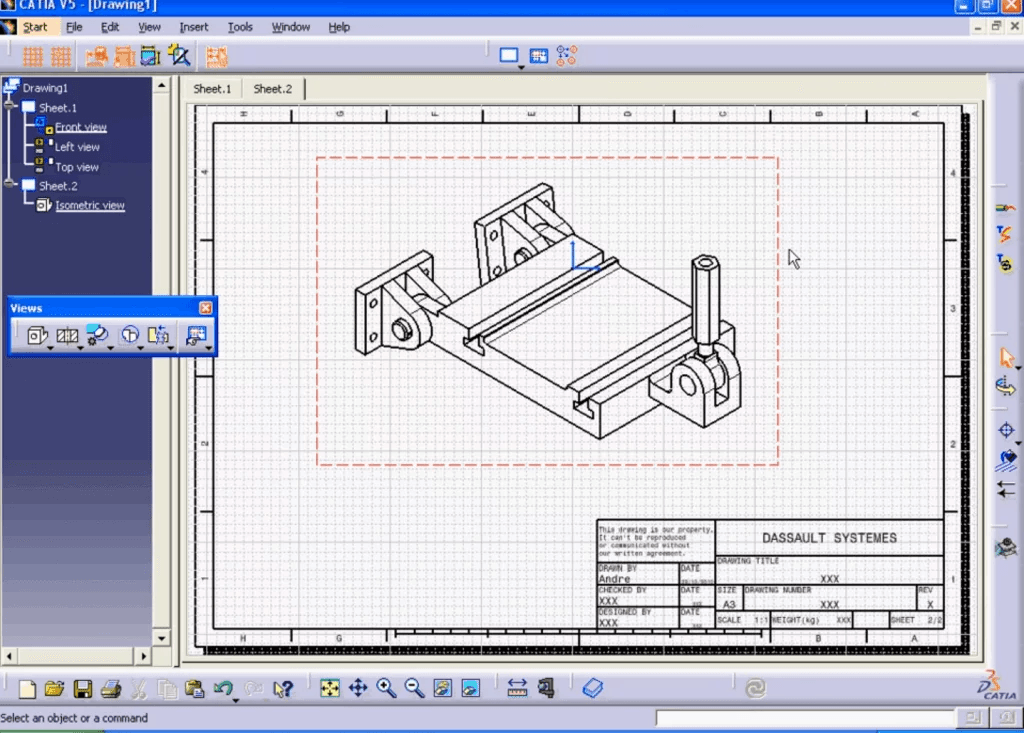
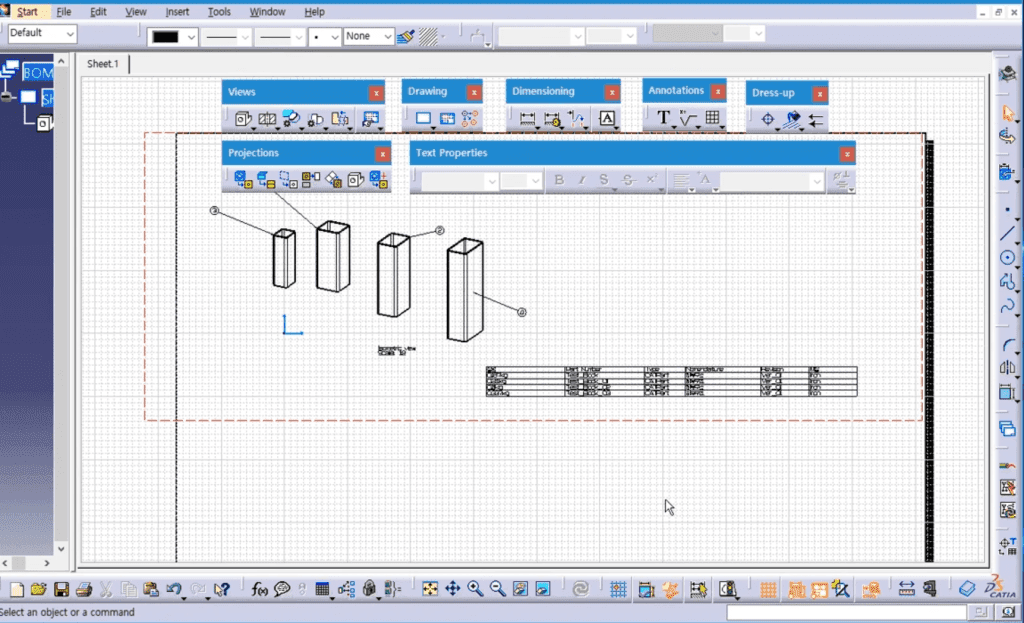
CATIA V5 ADVANCED DRAFTING & CUSTOMISATION will teach you how to set and manage all dimension and annotation standards contained in the standard files according to company or projects needs.
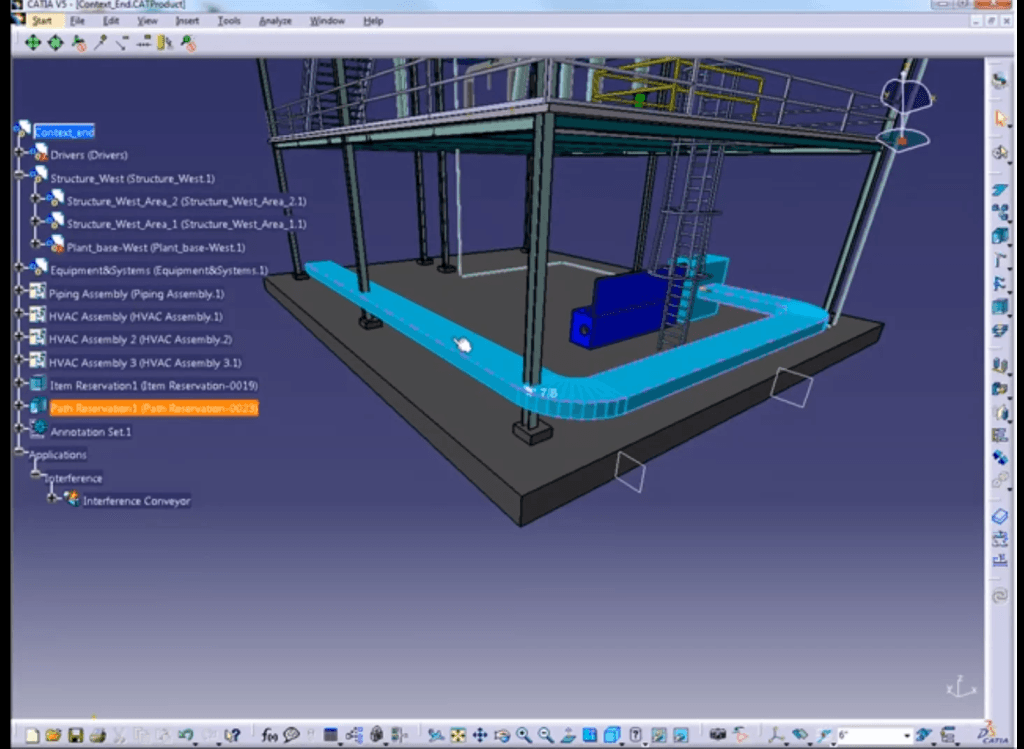
DESIGN AUTOMATION ADVANCE TRAINING provides you how to embed knowledge within your designs using Knowledge Advisor tools. You will also learn how to create and store the interactive features and then to reuse and adapt them to a new context. It also provide you on how to build up the design knowledge, store it in the Rule Bases and leverage it across the company to ensure design compliance with establish standards.
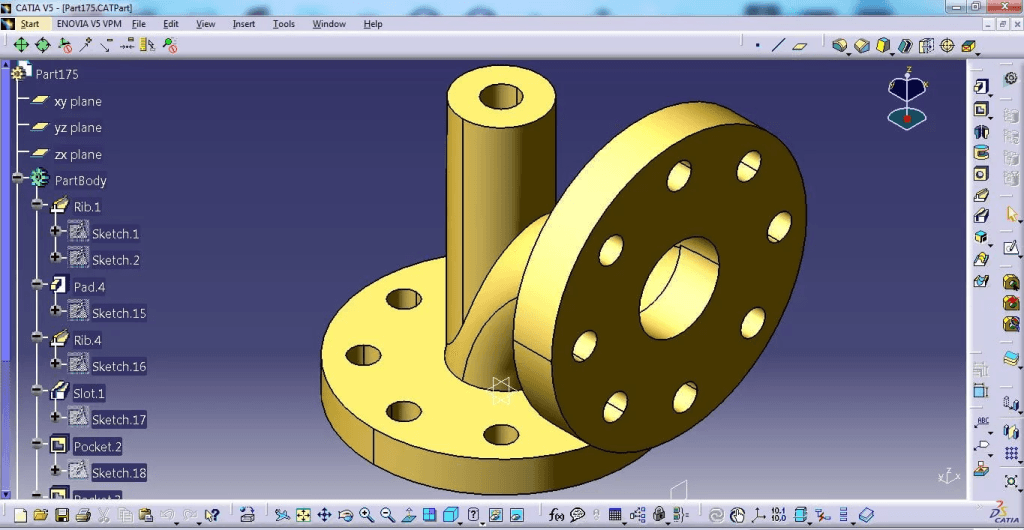
In this course you will be exposing the concept of sheet metal design such as the bend allowance, the K-factor and the bend radius rule.
You also will learn the implementation of sheet metal by using CATIA Sheet Metal where you will learn all the features involve in creating your fabricated parts.
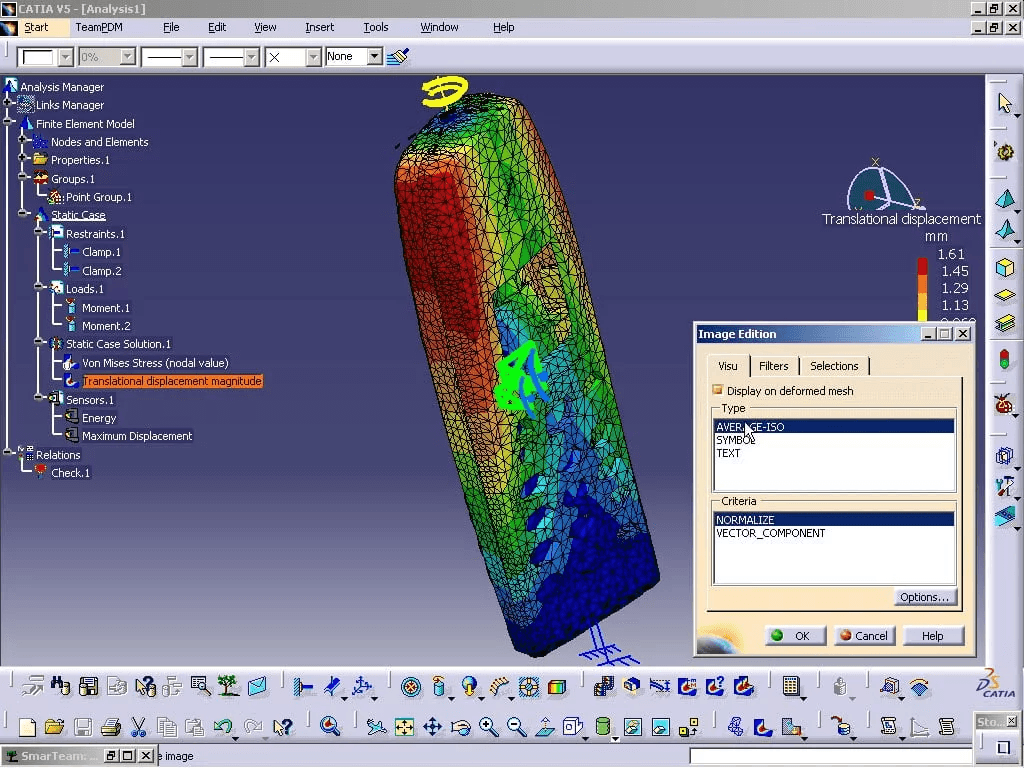
Generative Part Structural Analysis will teach you how to use advanced Finite Element Analysis pre-processing technique and post-processing tools, including the concept of defining virtual parts to avoid excessive geometric modeling.
You will learn how to perform frequency analysis on single part, and how to use adaptive meshing to achieve predefined accuracy.
The course is for people who are tasked with supporting a CATIA V5 system installation.
The primary emphasis of this course is on how to install, customise and manage CATIA V5 Software.
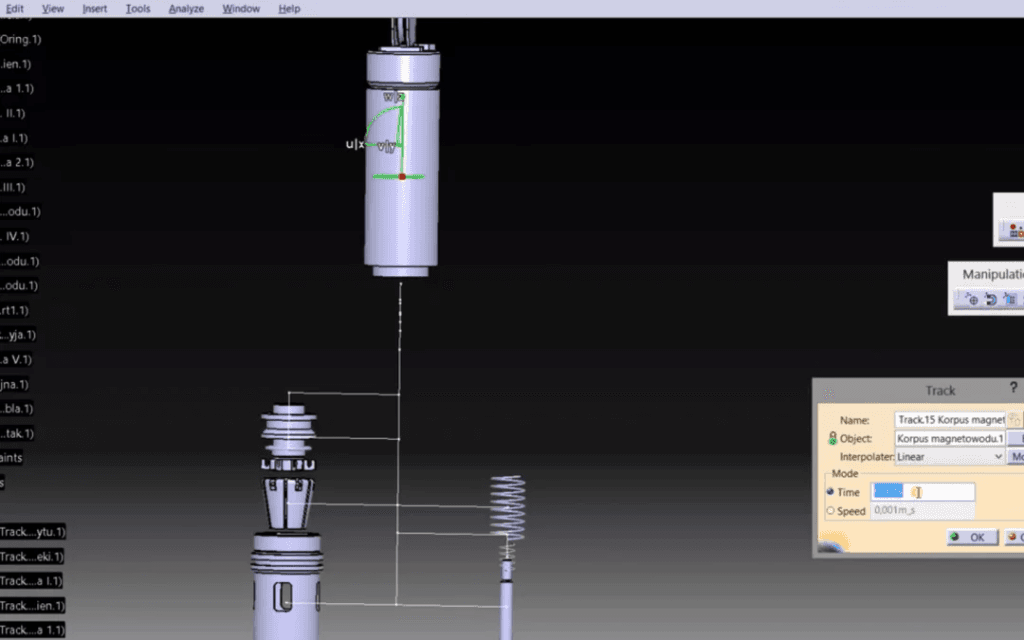
Also you will learn to define shuttles and tracks, create sequences from the tracks and perform clash analysis when a sequences from the tracks and perform clash analysis when a sequence is being played. It will teach you to use specific tool of the DMU Fitting workbench.
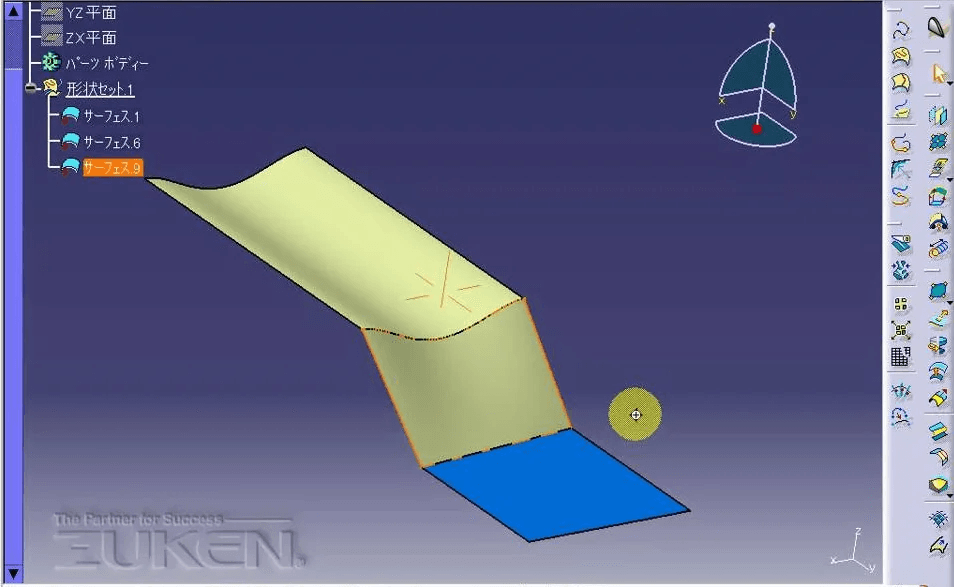
CATIA – Freestyle Shaper 1 (FS1) provides easy to use surface-based tools to help designers create styled shapes, enabling even casual users to easily smooth and trim curves and surfaces.
Real-time quality checking is possible through extensive curve and surface diagnosis tools to ensure quality.

As a Certified SOLIDWORKS Expert (CSWE), you will shows that you have successfully demonstrated your ability to use all area of SOLIDWORKS knowledge.

As a Certified SOLIDWORKS Professional Advanced Drawing Tools (CSWPA-DT), you will shows that you have successfully demonstrated your ability to use SOLIDWORKS Drawing environment knowledge.
As a Certified SOLIDWORKS Professional Advanced Surfacing (CSWPA-SU), you will shows that you have successfully demonstrated your ability to use SOLIDWORKS Advanced Surfacing tools knowledge.
As a Certified SOLIDWORKS Professional Advanced Weldments (CSWPA-WD), you will shows that you have successfully demonstrated your ability to use SOLIDWORKS tools for Weldments knowledge.
As a Certified SOLIDWORKS Professional Advanced Mold Making (CSWPA-MM), you will shows that you have successfully demonstrated your ability to use SOLIDWORKS Mold Tools functionality with Mold Making Industry knowledge.
As a Certified SOLIDWORKS Professional Advanced Sheet Metal (CSWPA-SM), you will sets you apart as a person who has successfully demonstrated their understanding of the set of SOLIDWORKS tools that aid in the design of sheet metal components.
As a Certified SOLIDWORKS Professional (CSWP) is an individual who has successfully passed our advanced skills examination. Each CSWP has proven their ability to design and analyse parametric parts and movable assemblies using a variety of complex features in SOLIDWORKS.
As a Certified SOLIDWORKS Associate (CSWA), you will stand out from the crowd in today competitive job market. CSWA certification is proof of your SOLIDWORKS expertise cutting-edge skills that businesses seek out and reward.