Author name: ibrahim.mahiyudin

MASTERCAM

MASTERCAM Mill Basic

The Mastercam Mill course explains how Learn the Fundamentals of working with milling machine. Participants will complete a series of 2D drawing exercises covering entity creation, geometry modification and transformation. Create and move entities onto different levels, import and export files from other CAD systems.

You will learn how to machine a 2D part using facing, contour, pocketing and drilling toolpaths. You will be shown to use contour, engraving and pocket remachining, taper wall pocketing and how to verify the toolpaths using solid-based toolpath verfication.
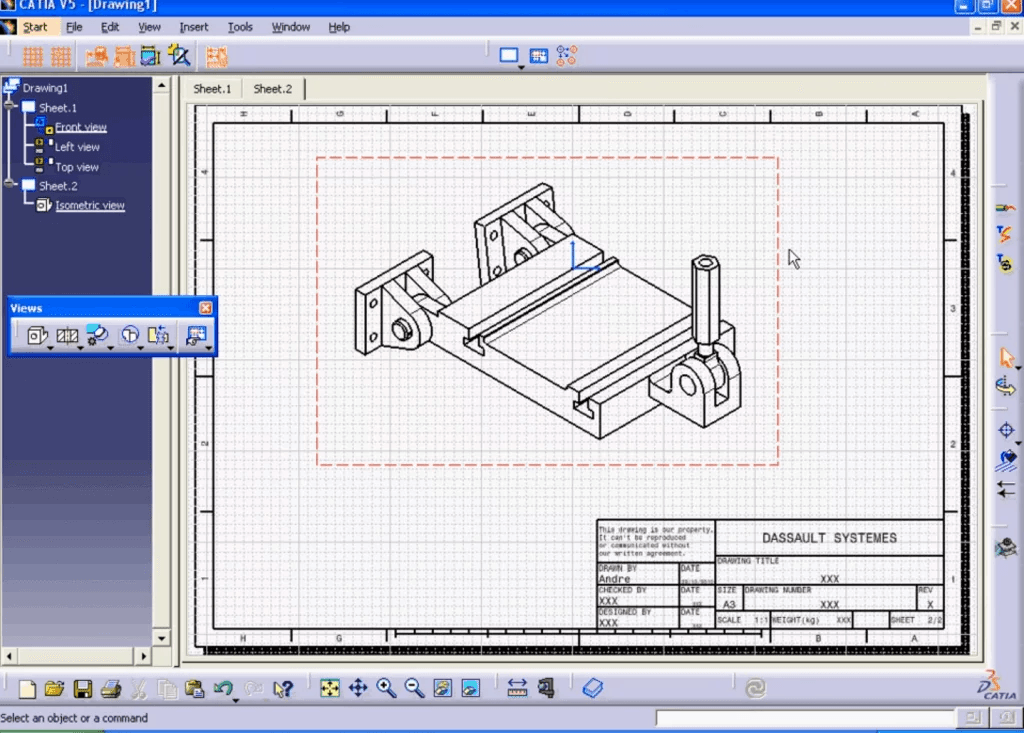
CATIA

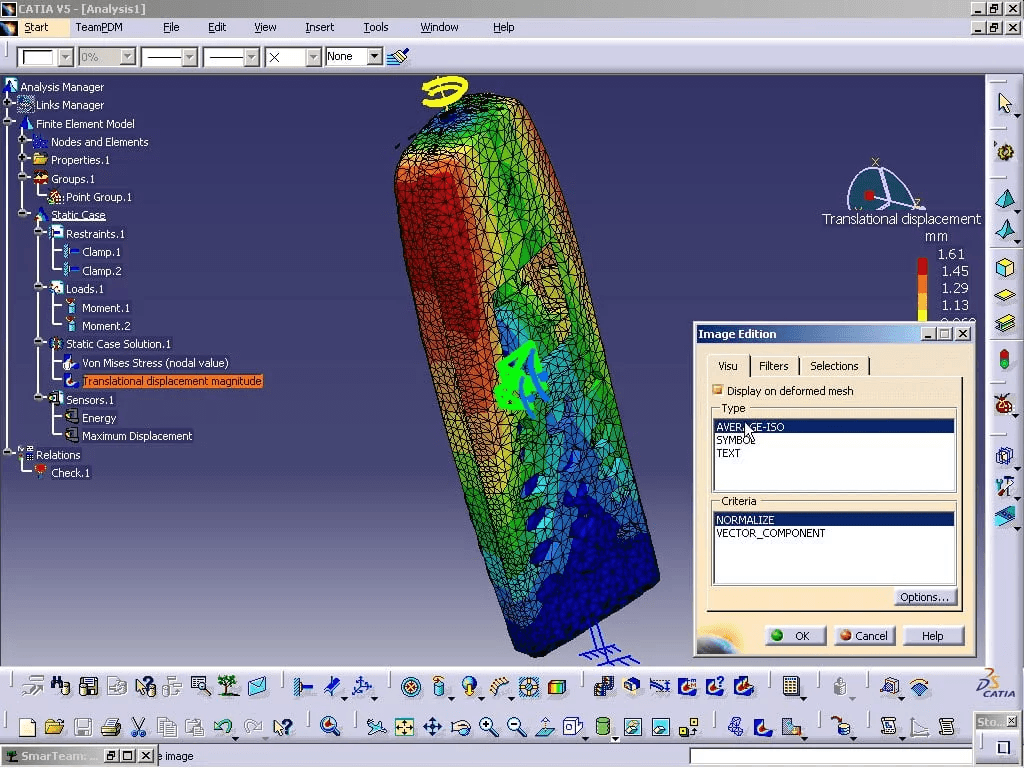
CATIA V5 – FEA Part Structural Analysis

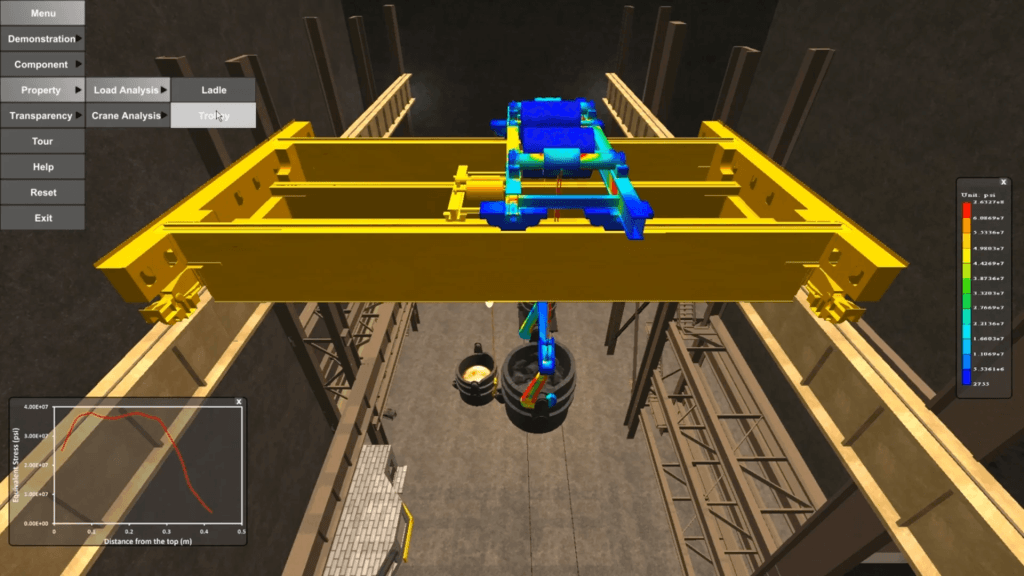
Generative Part Structural Analysis will teach you how to use advanced Finite Element Analysis pre-processing techniques and post-processing tools, including the concept of defining virtual parts to avoid excessive geometric modeling. You will learn how to perform frequency analysis on a single part and how to use adaptive meshing to achieve predefined accuracy.

CATIA

CATIA V5 Design Automation Advance Training (CAT-G02)

DESIGN AUTOMATION ADVANCE TRAINING provides you how to embed knowledge within your designs using Knowledge Advisor tools. You will also learn how to create and store the interactive features and then to reuse and adapt them to a new context. It also provide you on how to build up the design knowledge, store it in the Rule Bases and leverage it across the company to ensure design compliance with establish standards.

CATIA

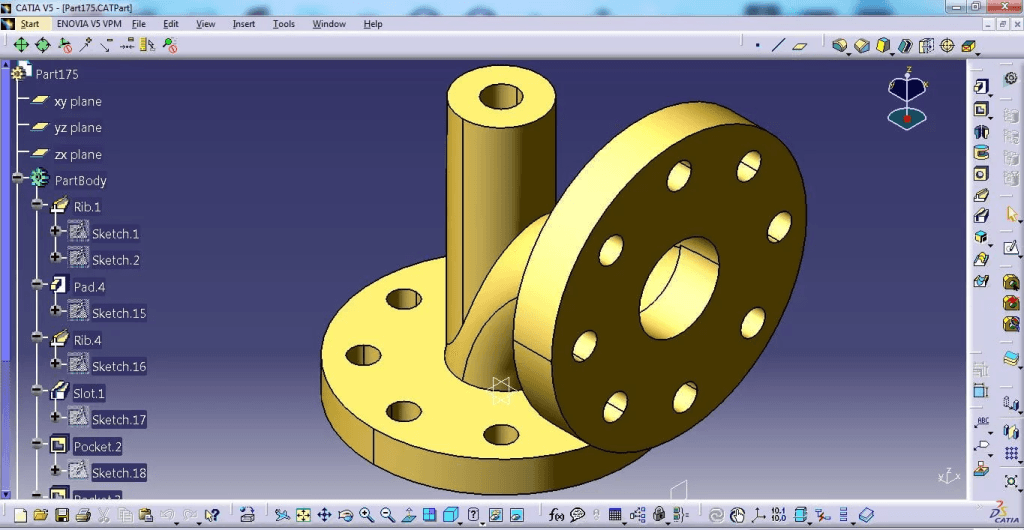
CATIA V5 – Fabricated Part Design (CAT-B06)

In this course you will be exposing the concept of sheet metal design such as the bend allowance, the K-factor and the bend radius rule.

You also will learn the implementation of sheet metal by using CATIA Sheet Metal where you will learn all the features involve in creating your fabricated parts.

CATIA

CATIA V5 – Structural Analysis For Parts & Assembly (G-FEA)

Generative Part Structural Analysis will teach you how to use advanced Finite Element Analysis pre-processing technique and post-processing tools, including the concept of defining virtual parts to avoid excessive geometric modeling.

You will learn how to perform frequency analysis on single part, and how to use adaptive meshing to achieve predefined accuracy.

CATIA

CATIA V5 DMU Fitting

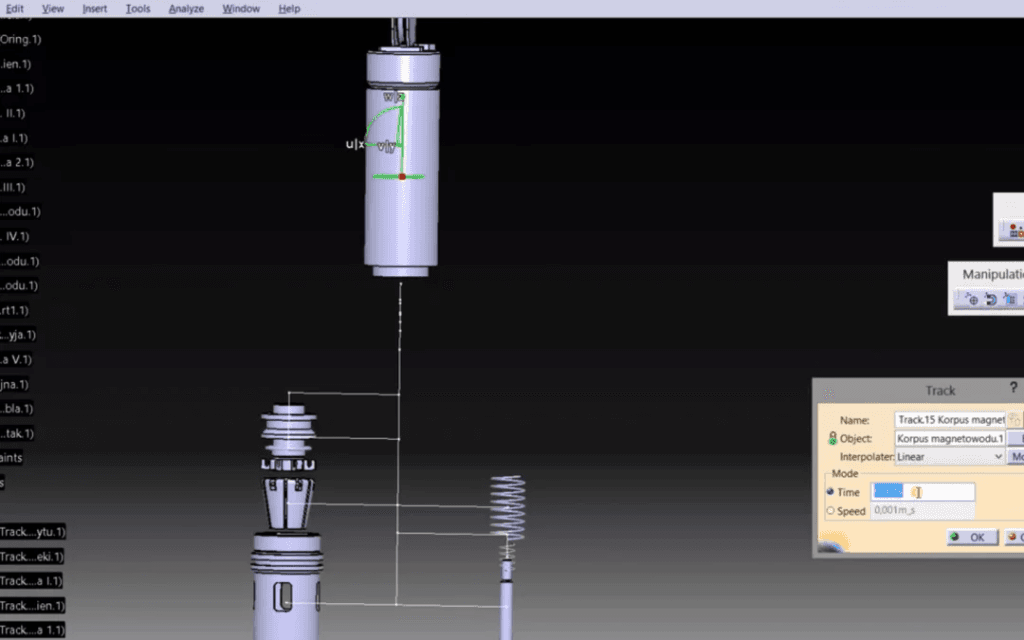
Also you will learn to define shuttles and tracks, create sequences from the tracks and perform clash analysis when a sequences from the tracks and perform clash analysis when a sequence is being played. It will teach you to use specific tool of the DMU Fitting workbench.

CATIA

CATIA V5 – Freestyle Shaper 1 (FS1)

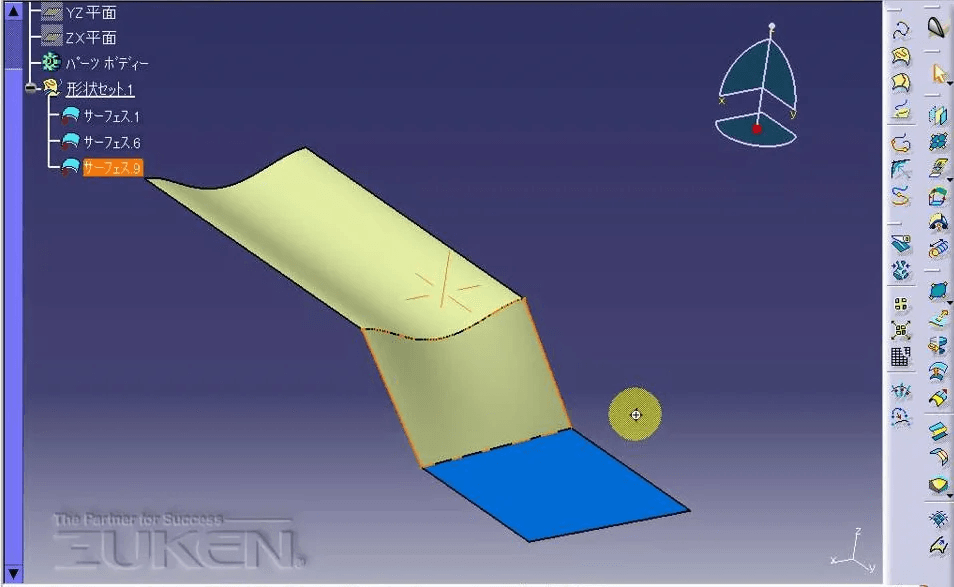
CATIA – Freestyle Shaper 1 (FS1) provides easy to use surface-based tools to help designers create styled shapes, enabling even casual users to easily smooth and trim curves and surfaces.

Real-time quality checking is possible through extensive curve and surface diagnosis tools to ensure quality.

Scroll to Top